We Built an ESP32-S3 Simulator That Runs Real Firmware in the Browser
We recently launched Cirkit Designer’s ESP32-S3 simulator: a browser-based simulator that runs real firmware against the circuit you build on the canvas.
Try the online ESP32 simulator ->
Try the demos:
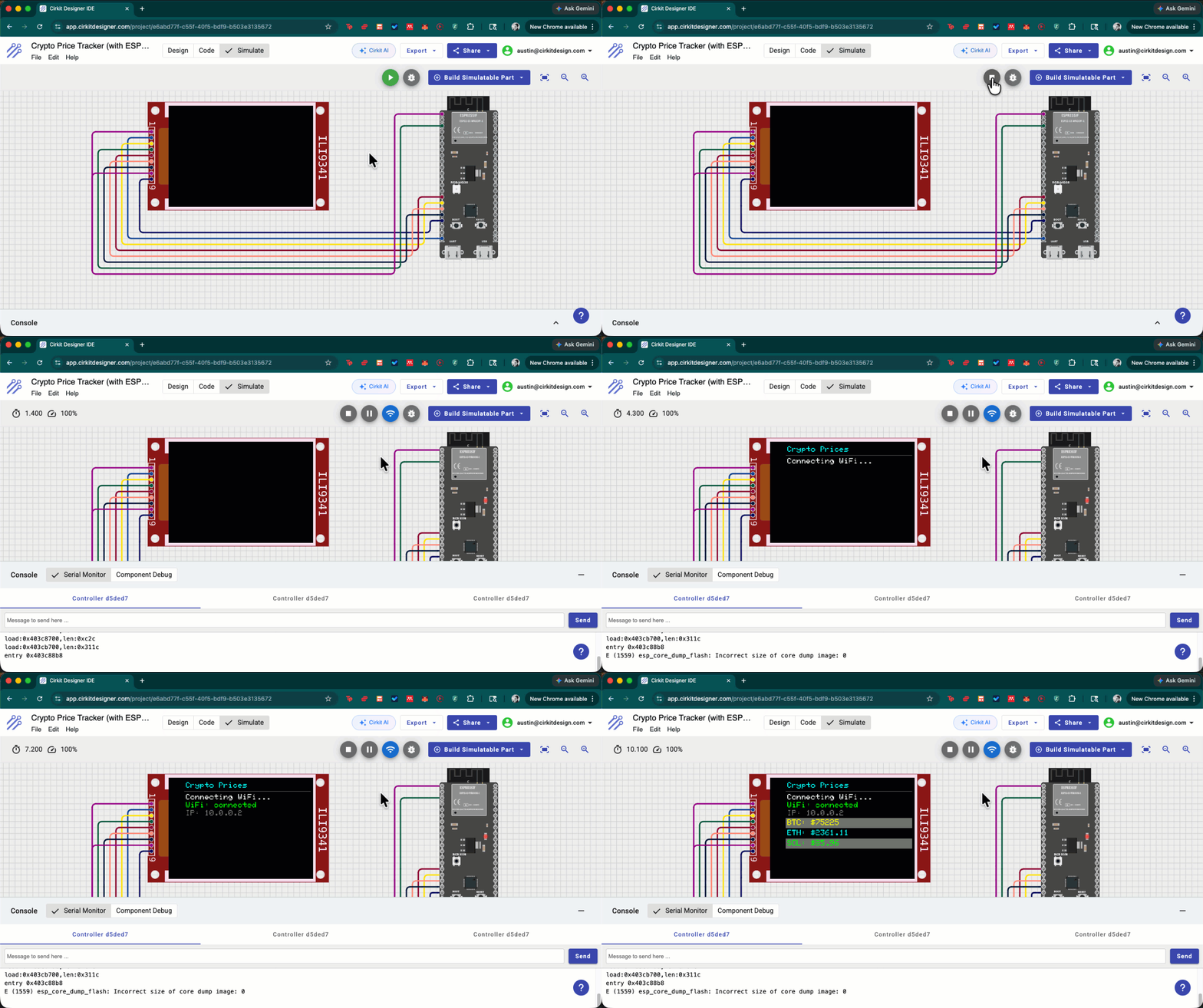
- Crypto Price Tracker: Wi-Fi + HTTPS
- Hotel Safe: keypad, peripherals, and control logic
- DHT11 Temperature on LCD Display: sensor + display, classic IoT starter project
- Joystick-Controlled LED Matrix: bit-banged SPI with MAX7219
- All ESP32-S3 examples
Note: The editor UI is currently optimized for desktop. Mobile support is coming.
How It Works
This is not a mocked “ESP32-like” environment. It’s an instruction-accurate ESP32-S3 emulator written in Rust and compiled to WebAssembly so it can run locally in your browser. It executes real Xtensa instructions, including the same boot path through Espressif’s ROM and bootloader that real ESP32-S3 firmware uses. Arduino sketches compile on our server, and the compiled firmware runs unmodified in the simulator. No hardware required.
We validate the CPU core with golden tests against QEMU, an open-source machine emulator often used as a reference for emulated CPU and board behavior. QEMU does not run your Cirkit Designer project. The simulator in the editor runs locally in WebAssembly; QEMU is one offline reference we use to compare behavior and catch low-level CPU bugs.
What’s Supported
The simulator supports:
- GPIO, UART, SPI, I2C, PWM, ADC, hardware timers
- NeoPixel / WS2812 output through RMT
- Wi-Fi: 802.11 layer emulation with working HTTP, HTTPS, MQTT, WebSocket, and UDP support
- Connected components such as displays, sensors, buttons, LEDs, motors, and common modules
See the full list of supported peripherals.
ESP32-S3 is our first supported ESP32 target, and we’re expanding support to more ESP32 variants.
Why It Runs in the Browser
A big part of this project was deciding where the simulator should run. One option was a backend service built around an existing emulator such as QEMU, with the server running firmware and streaming state back into the circuit editor.
We wanted the emulator itself to live next to the UI, so circuits stay interactive, latency stays low, and the cost of running a project doesn’t scale with server-side CPU emulation.
That decision made the implementation much harder. But the result is a firmware simulator that runs in your browser with nothing to spin up, nothing to wait for, and no per-session emulator server.
What Was Hardest
- Booting through Espressif’s ROM: matching the real startup path was necessary for compatibility, and it took a lot of careful debugging.
- Xtensa windowed registers: handling the register window model and RETW edge cases correctly.
- Browser performance: making the emulator fast enough for real projects to run smoothly in the browser.
- Wi-Fi: supporting HTTP, HTTPS, MQTT, WebSocket, and UDP required more than mocking high-level requests. The simulator needed to preserve enough low-level Wi-Fi behavior for standard Arduino networking workflows to run naturally.
Wi-Fi ended up being one of the most interesting parts of the project because simple APIs at the sketch level still depend on a lot of behavior underneath.
Built by a Small Team
This was built by a small team over about 8 months. ESP32-S3 support is ready for real Arduino-based projects today, and we’re continuing to expand peripheral coverage from here. We’d love to hear what you build, what you want to try next, and which peripherals or workflows you’d like to see supported.
Try the ESP32 simulator, browse the ESP32-S3 docs, or share feedback in Discord.